
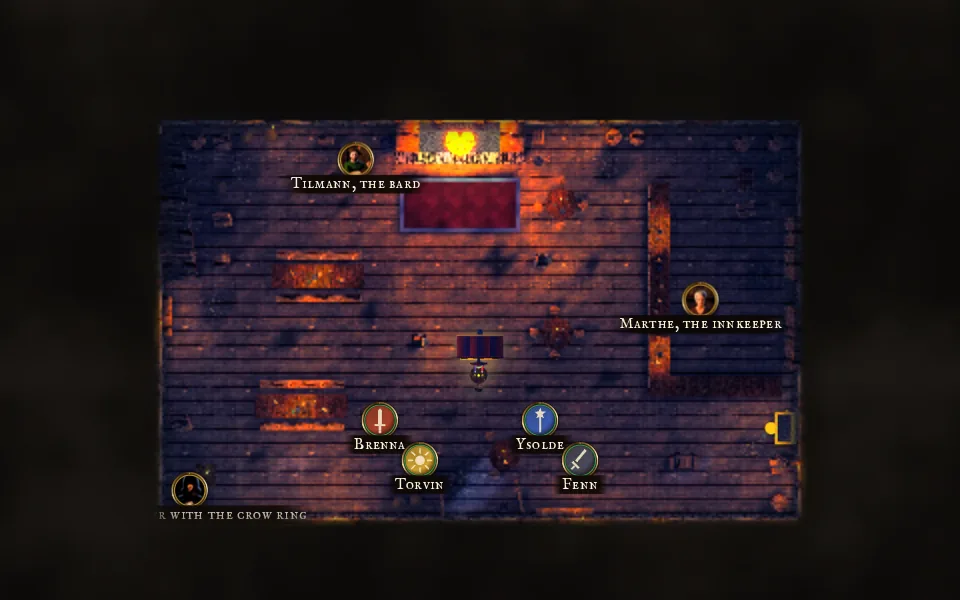
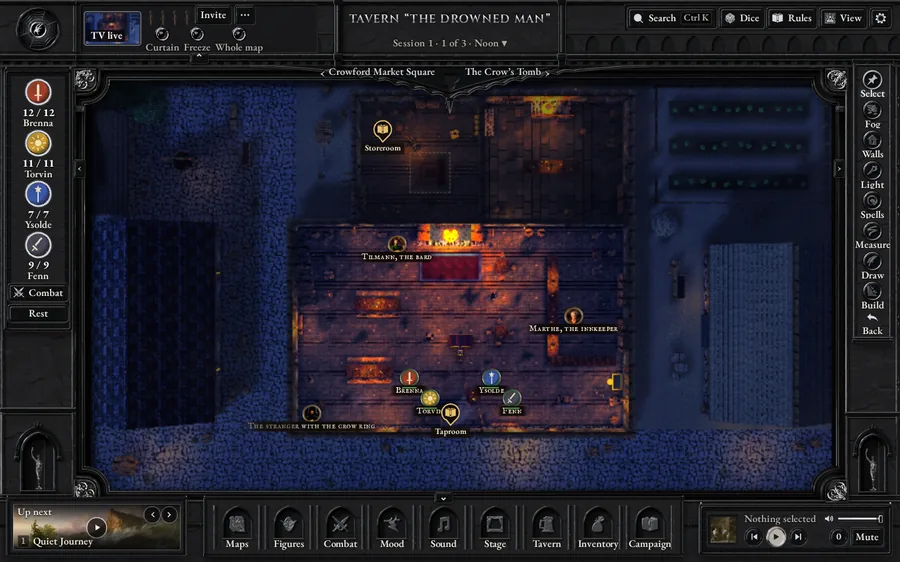
TV and laptop
Players see what their heroes see
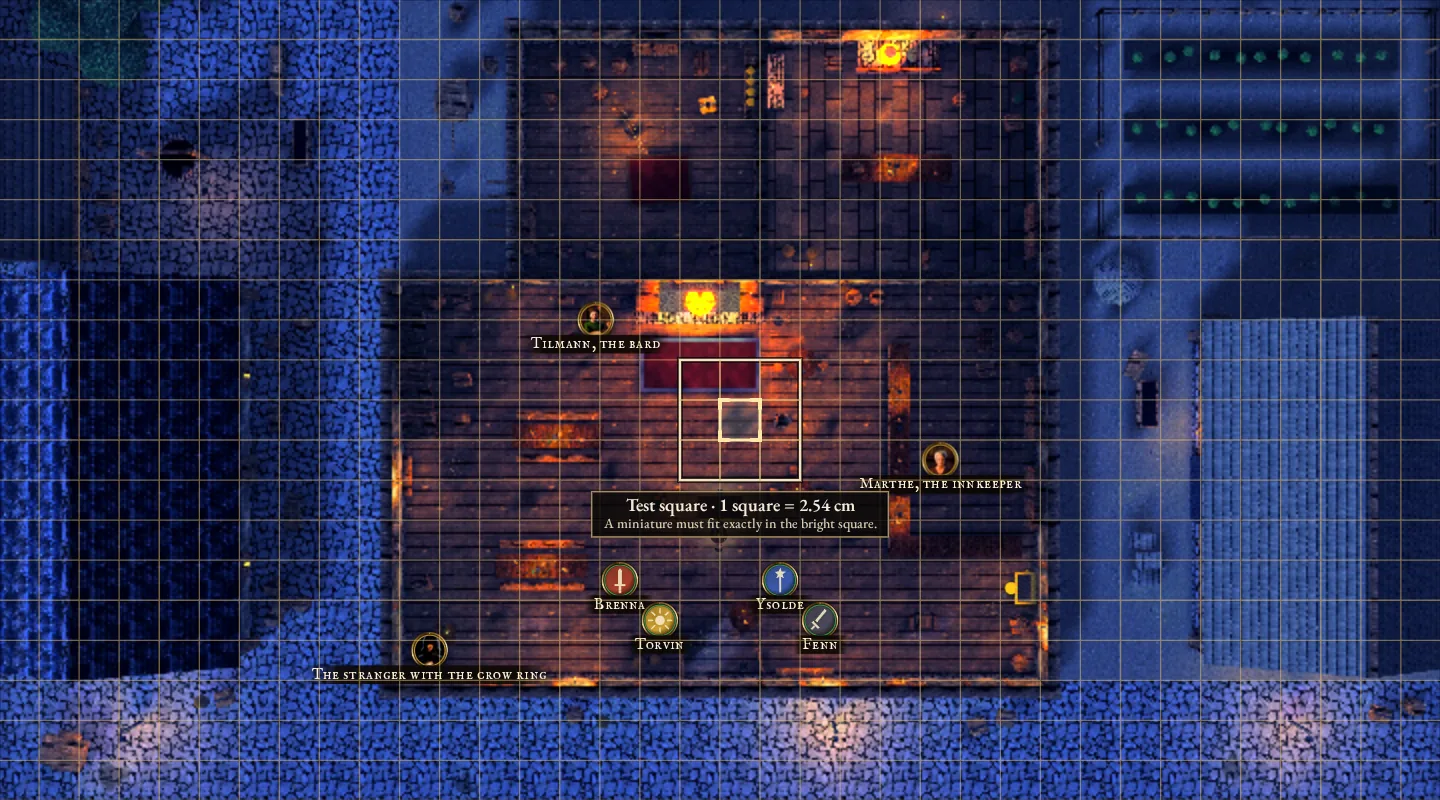
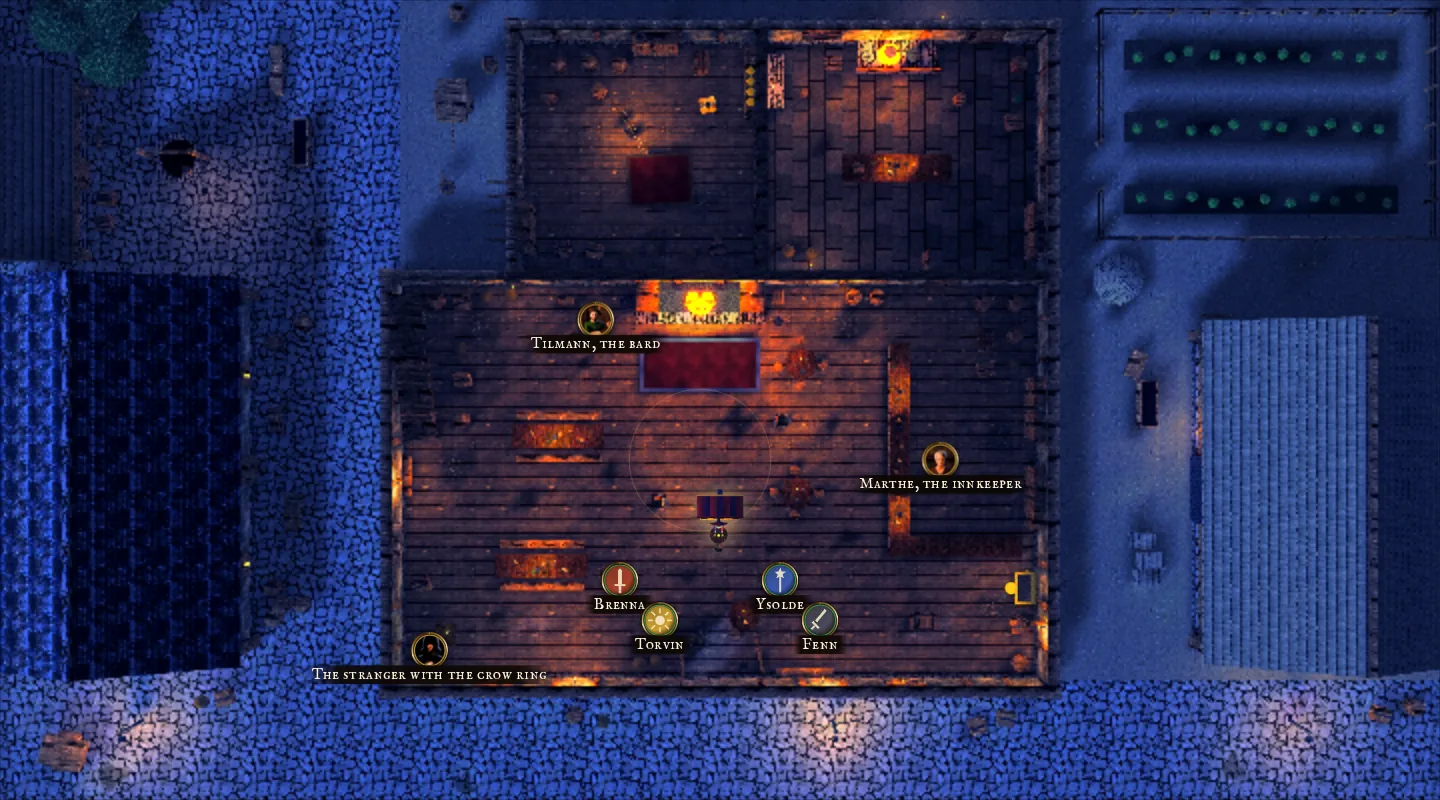
Fog covers everything the party hasn’t found yet. Move a hero and the fog gives way along their line of sight, while walls and closed doors block it. On your laptop you see the whole map.

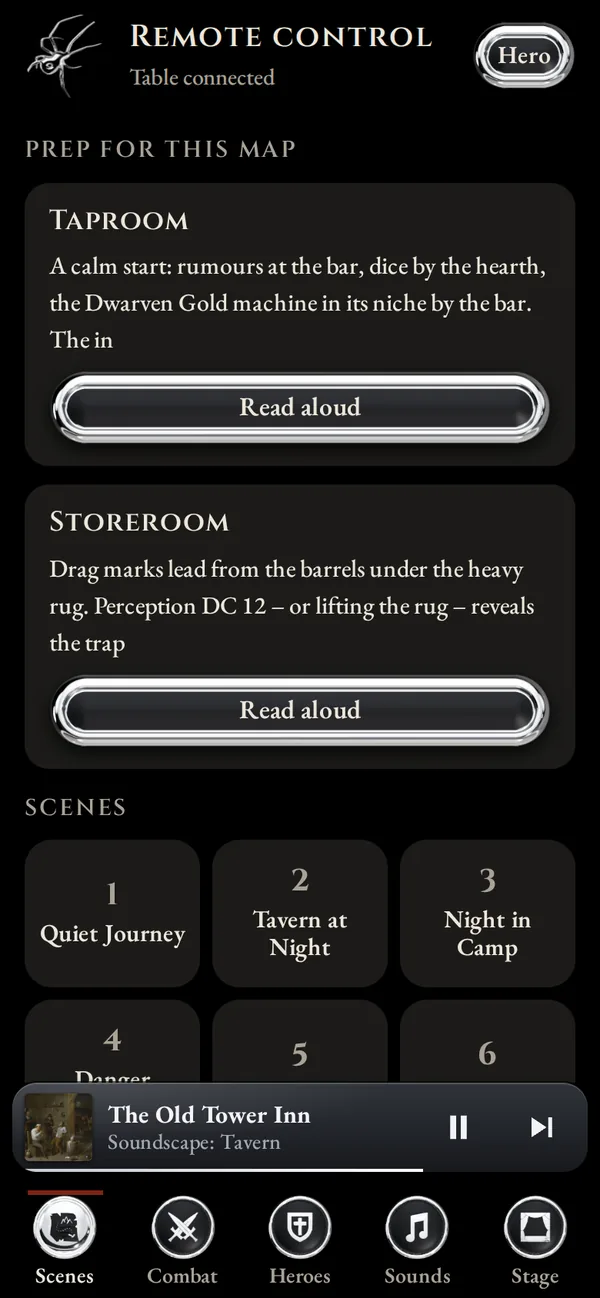
A TV lies flat in the middle and works as the board. You run the game from your laptop or PC, and every player has their sheet on their phone.
The demo needs a laptop or PC. Send yourself the link and open it there.
Runs on Windows 10 and 11.
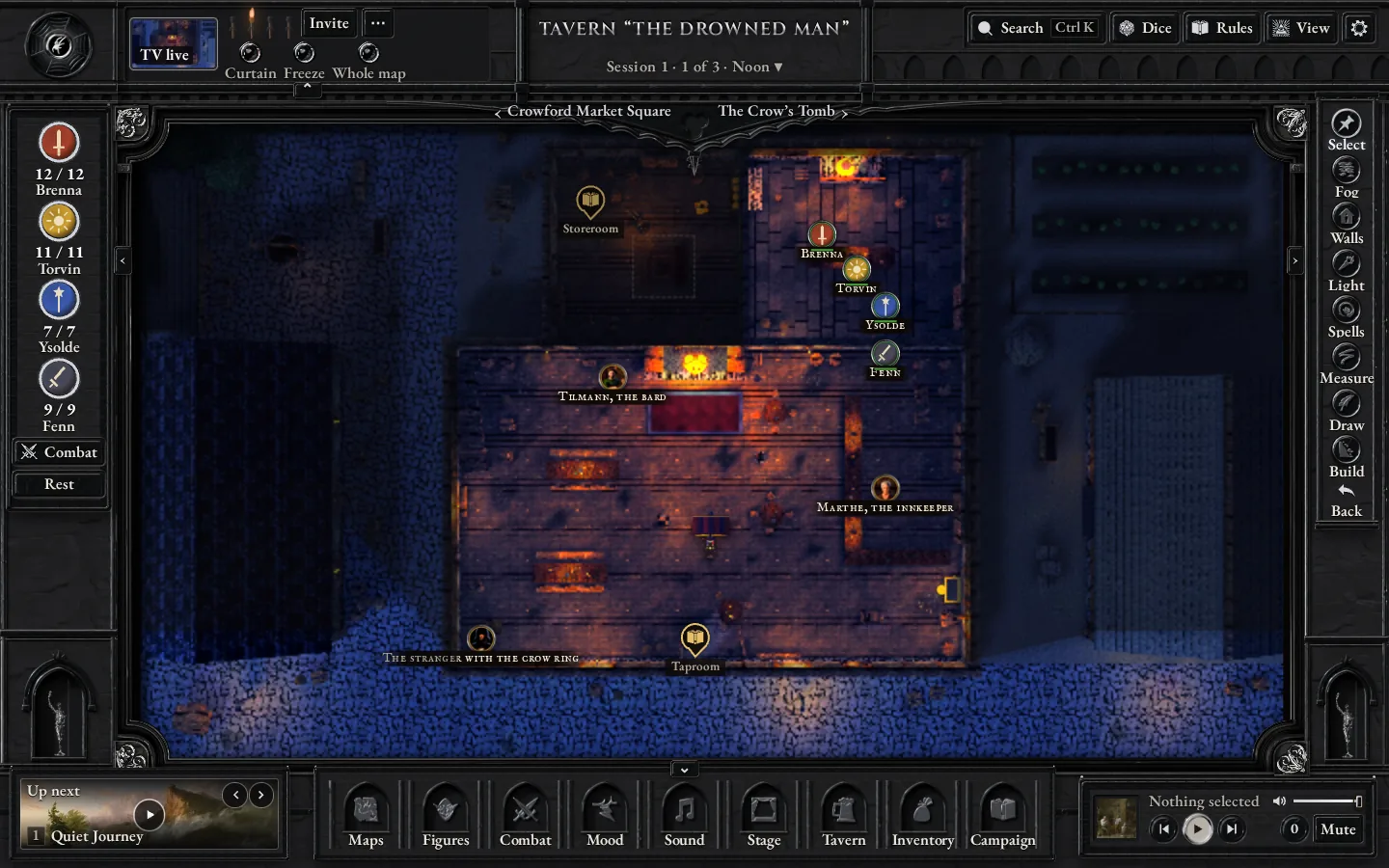
Fog covers everything the party hasn’t found yet. Move a hero and the fog gives way along their line of sight, while walls and closed doors block it. On your laptop you see the whole map.
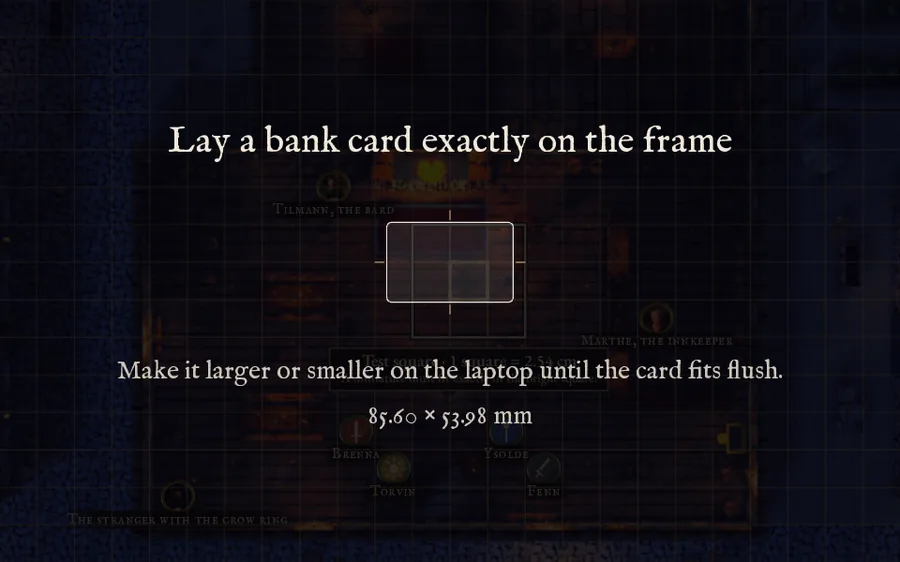
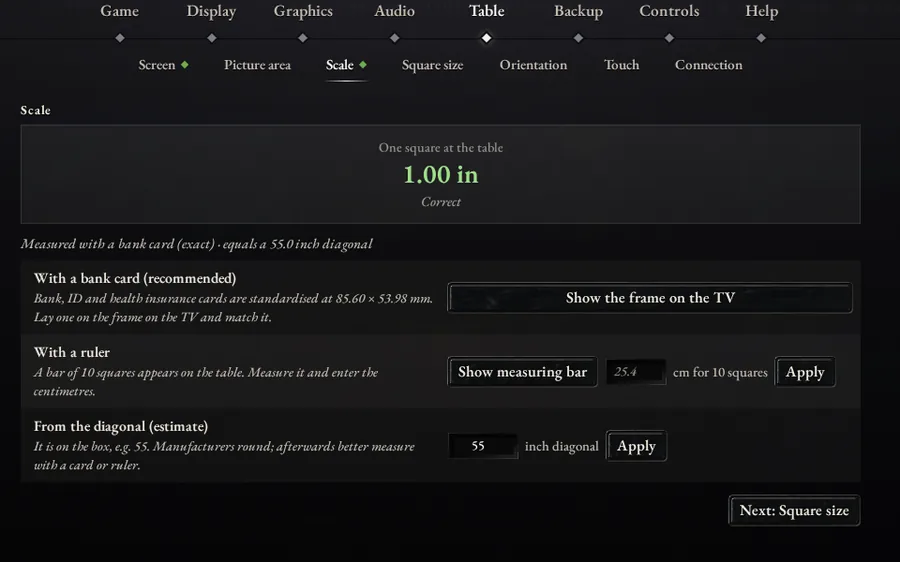
Lay a bank card on the TV and adjust the frame on the laptop until the card fits. From then on a square on the table is one inch wide, so your miniatures stand right in it. A test square on the map shows whether everything fits.
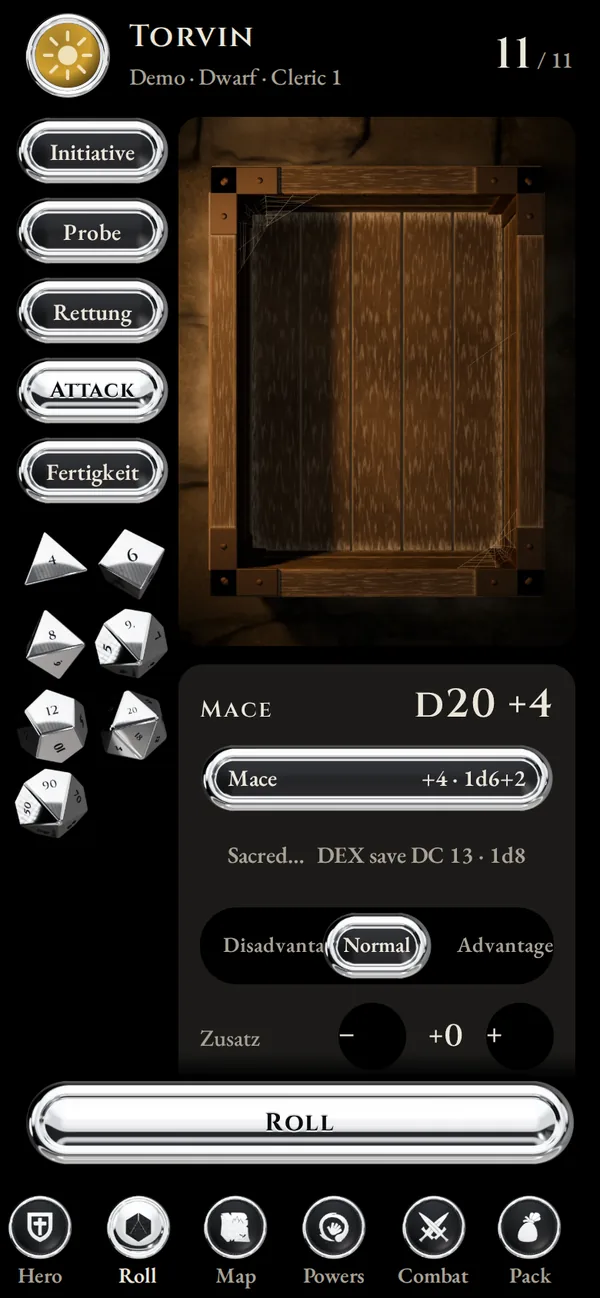
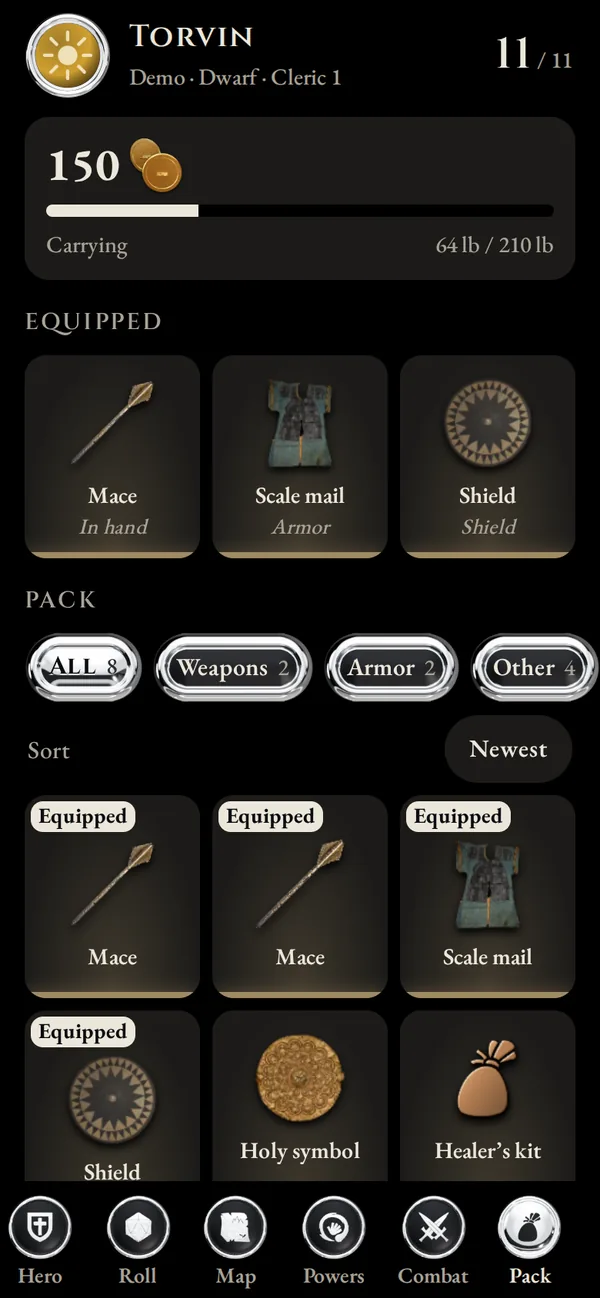
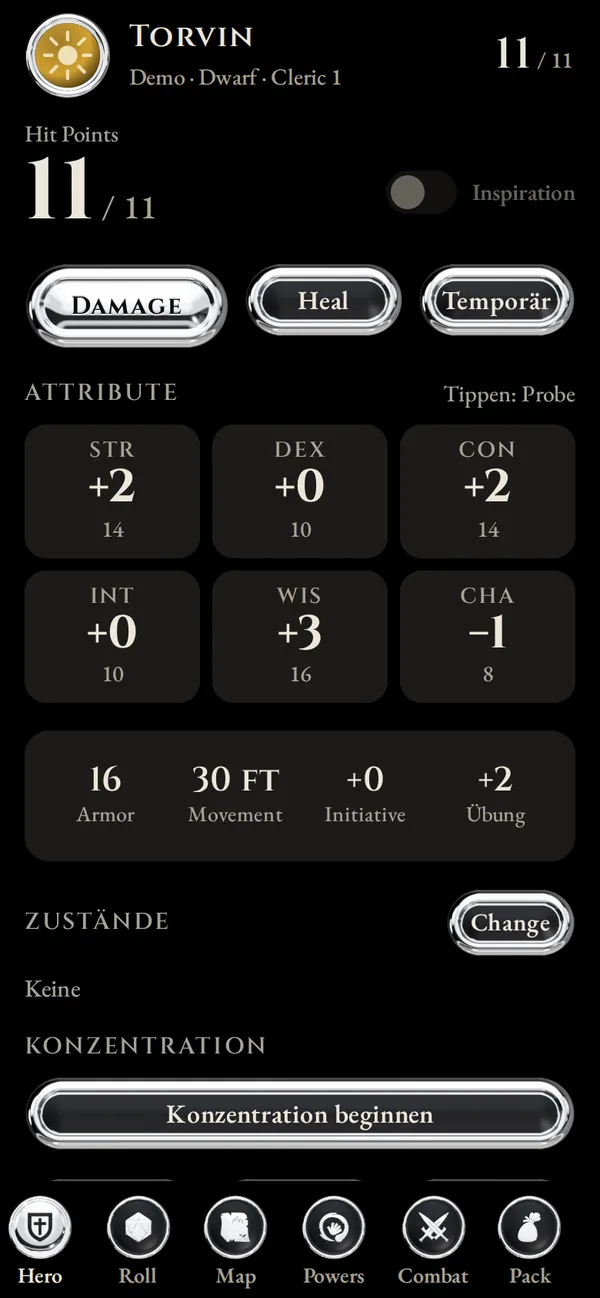
Each player opens a link on their phone. There they have their character sheet, roll their own dice and look into their bag. There is no app to install and no account to create.
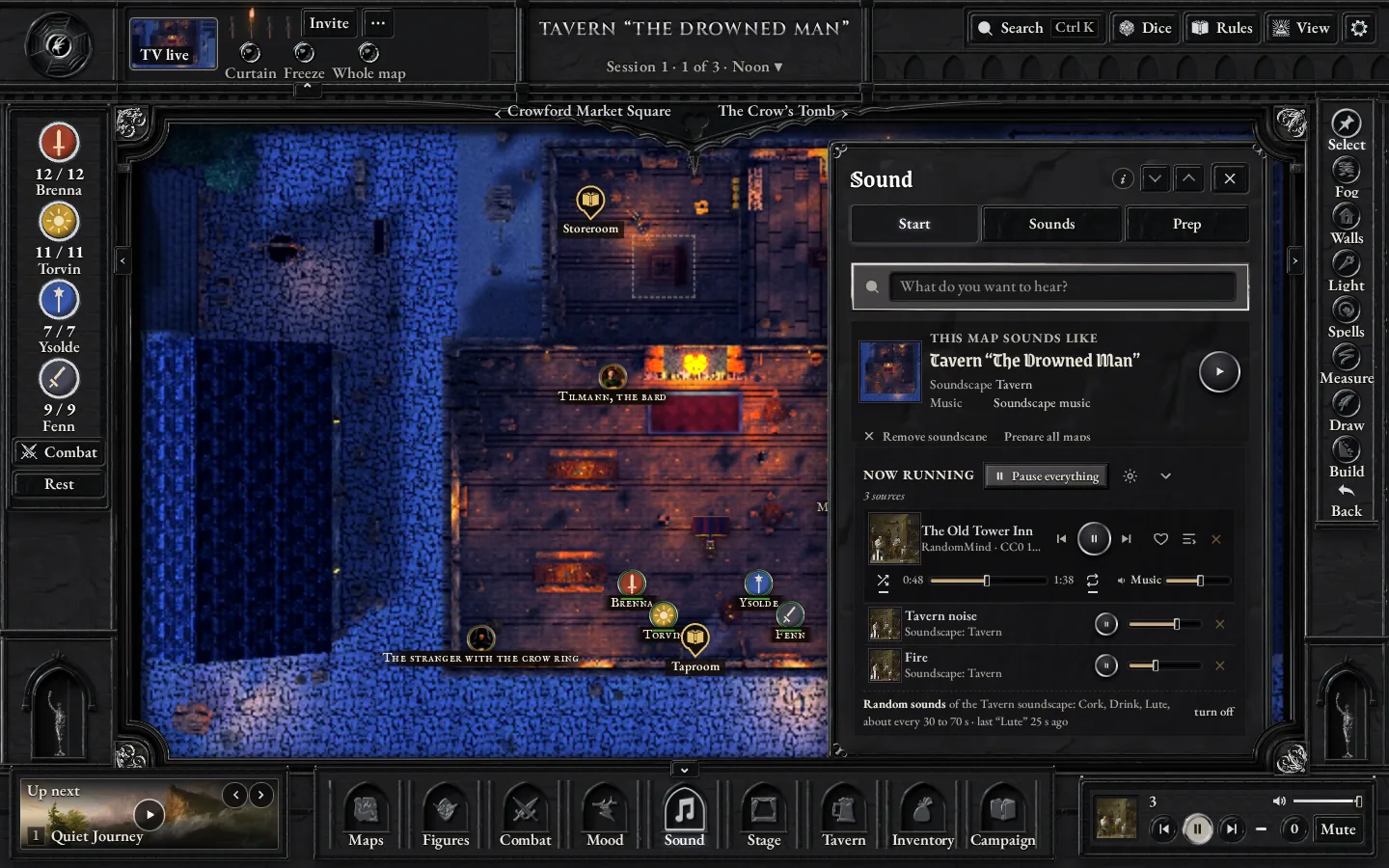
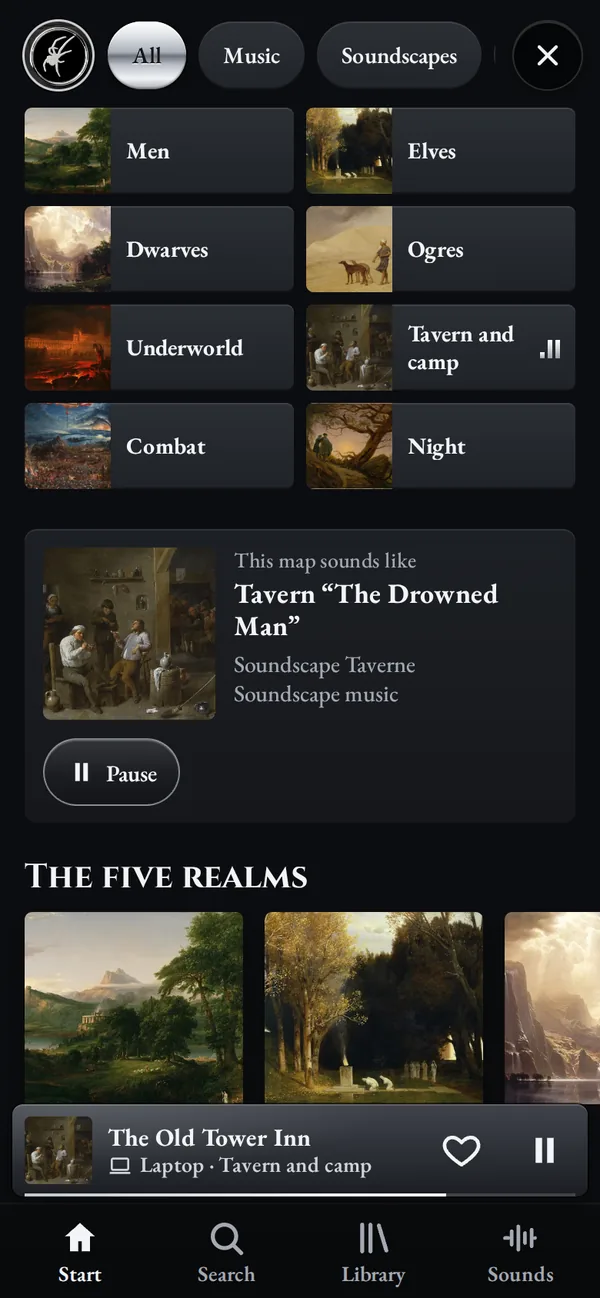
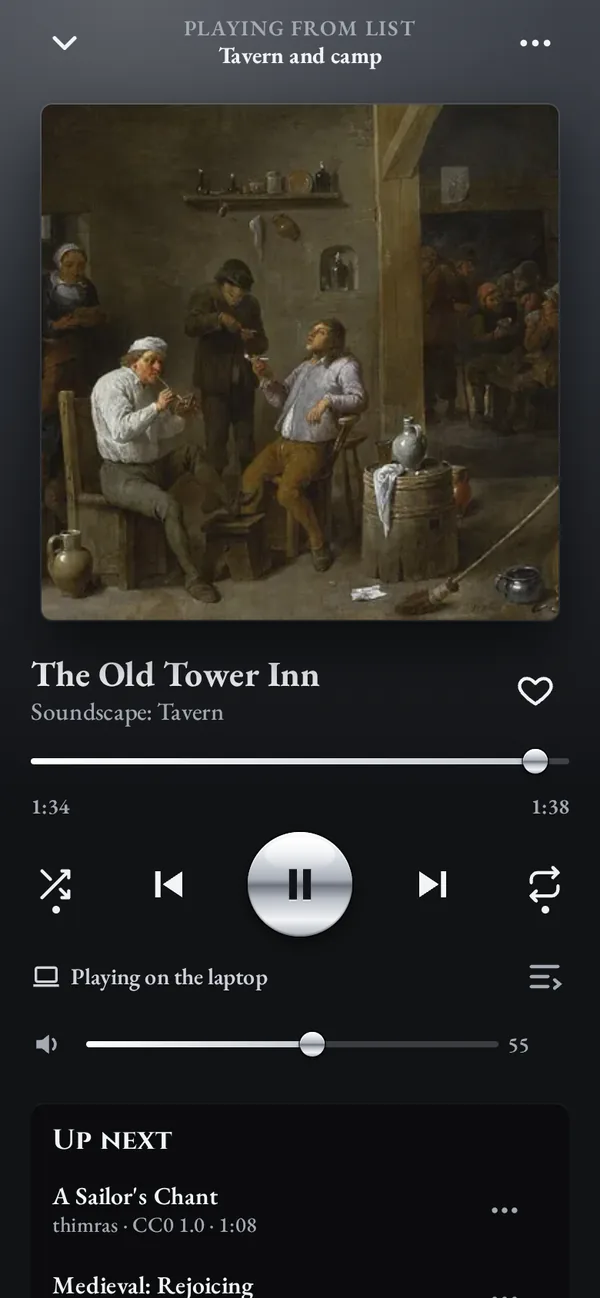
ScreenCrawler comes with 72 music tracks, 44 ambient loops and 362 sound effects. Give a map a soundscape and it plays whenever that map is on the table. You control the sound on the laptop or on your phone, which works like a music app.
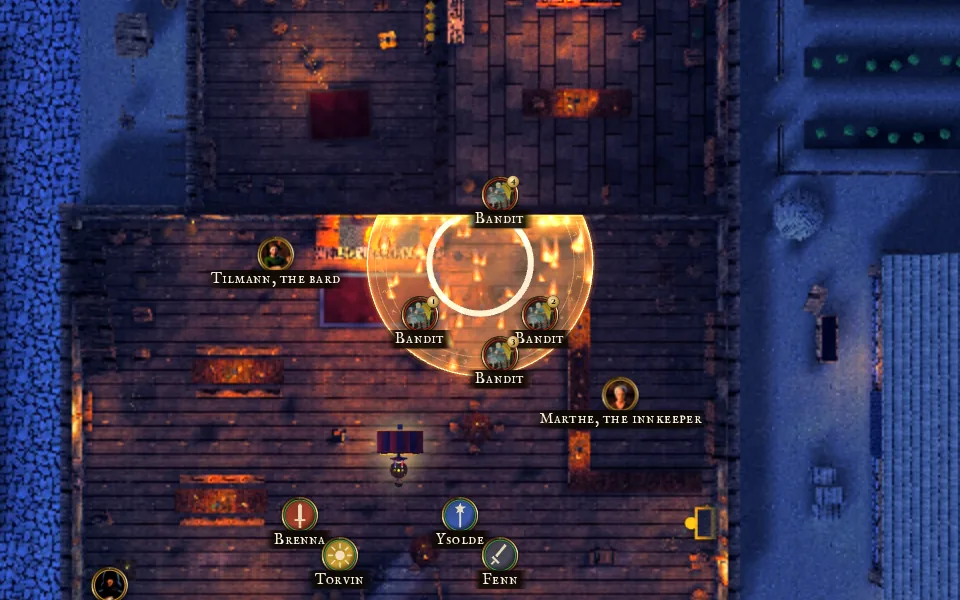
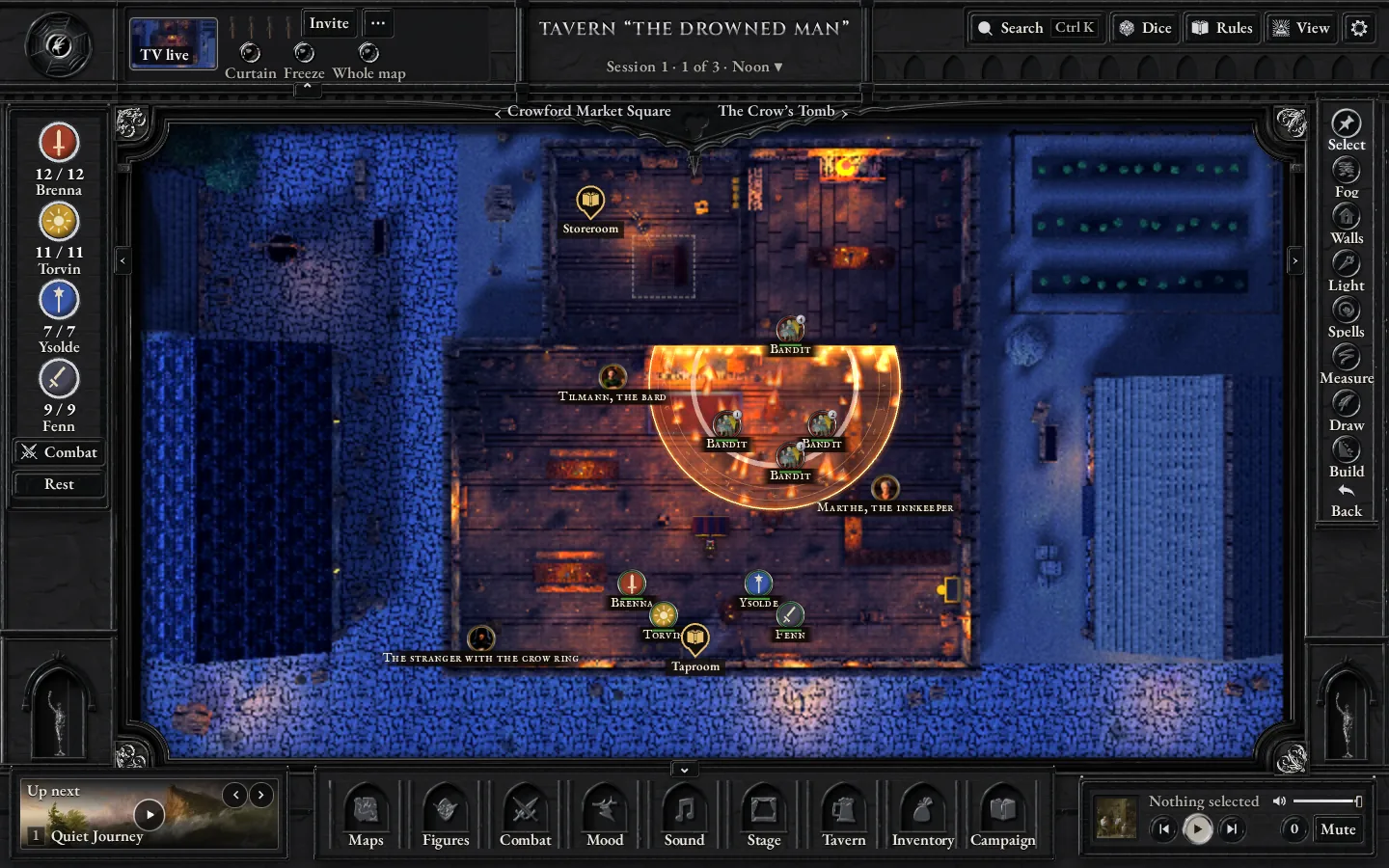
Drop a fireball or a cone on the map and everyone inside is marked. At walls the area stops, so the bandit behind the wall stays safe.
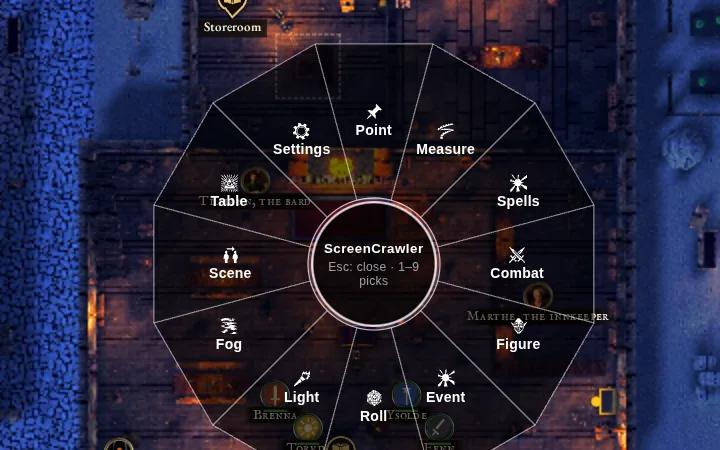
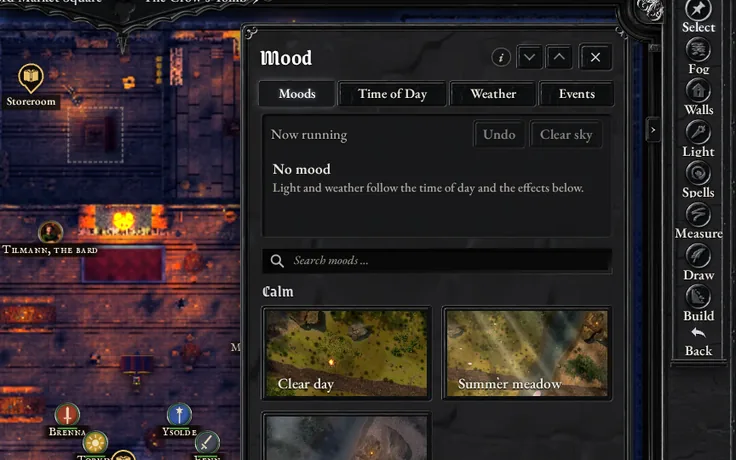
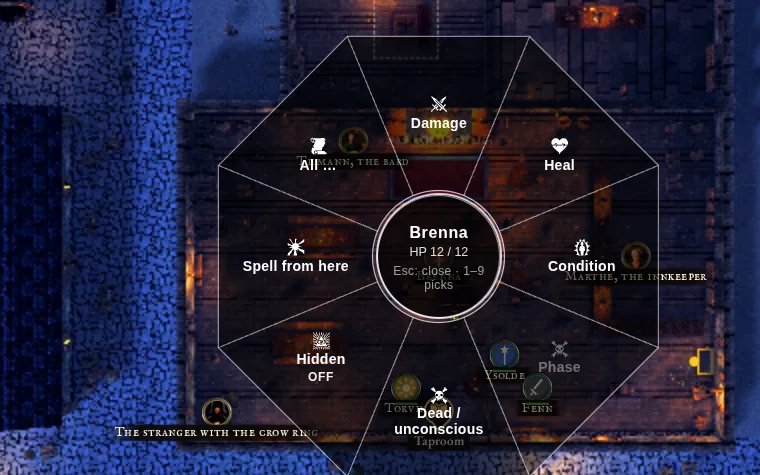
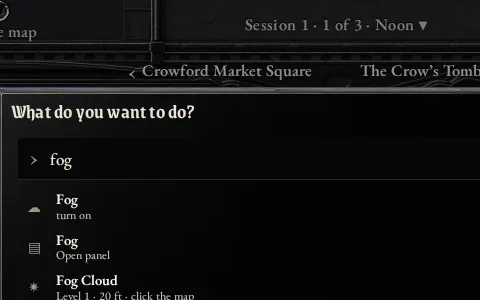
Everything sits in drawers along the left edge, sorted by topic. If you would rather not go looking, right-click the map and a wheel opens right there with twelve choices, from fog and light to spells, measuring and combat. Hold the right button on a figure for damage, healing and conditions. Ctrl+K finds any action by name: type a word, press Enter.
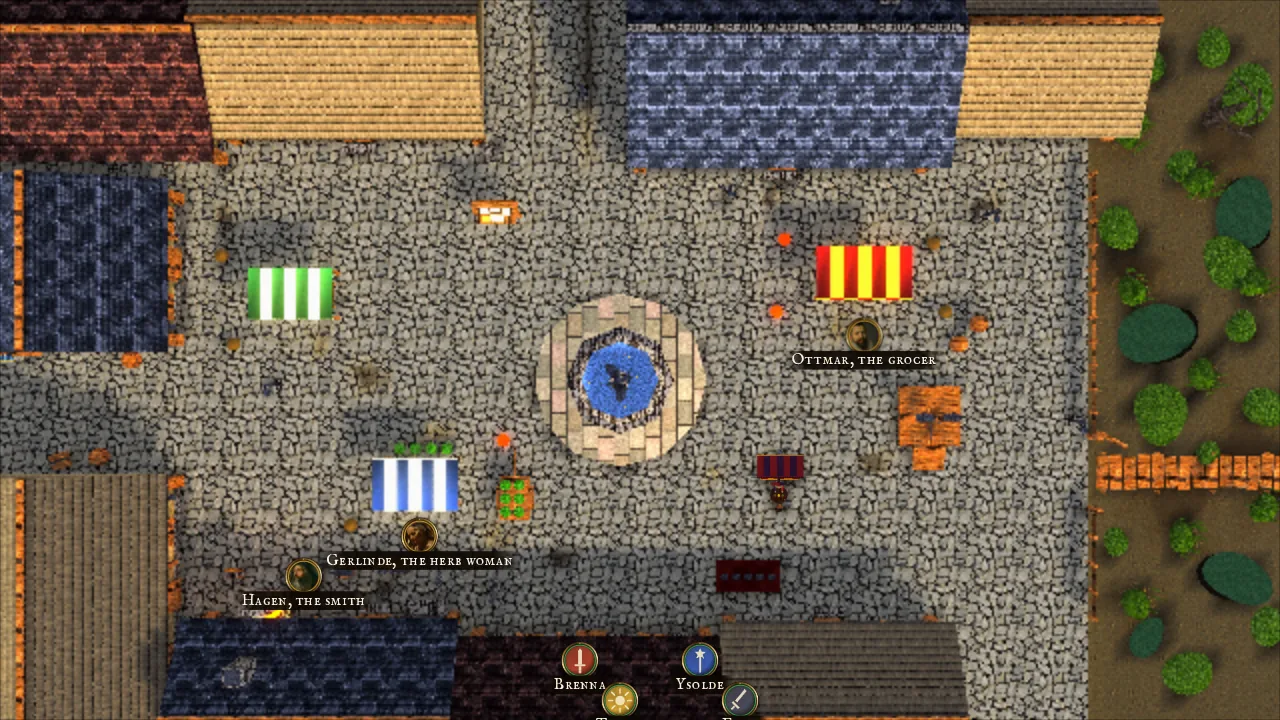
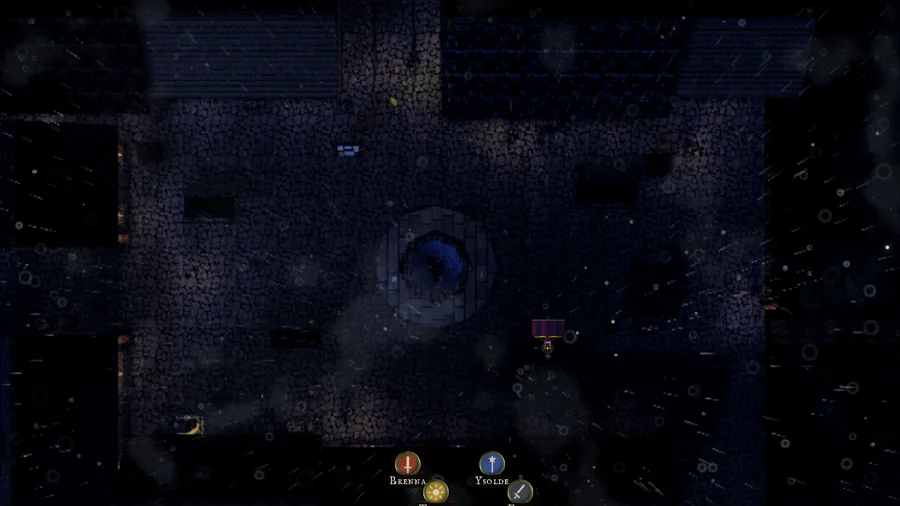
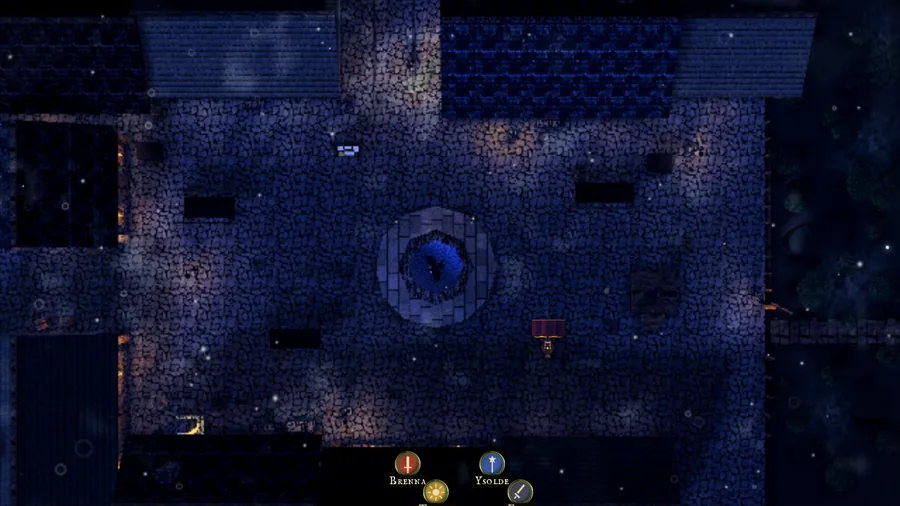
Rain, snow, thunderstorms and fog lie over the map, on your laptop and on the TV. One click sets the mood. At night only the lights you place are burning.
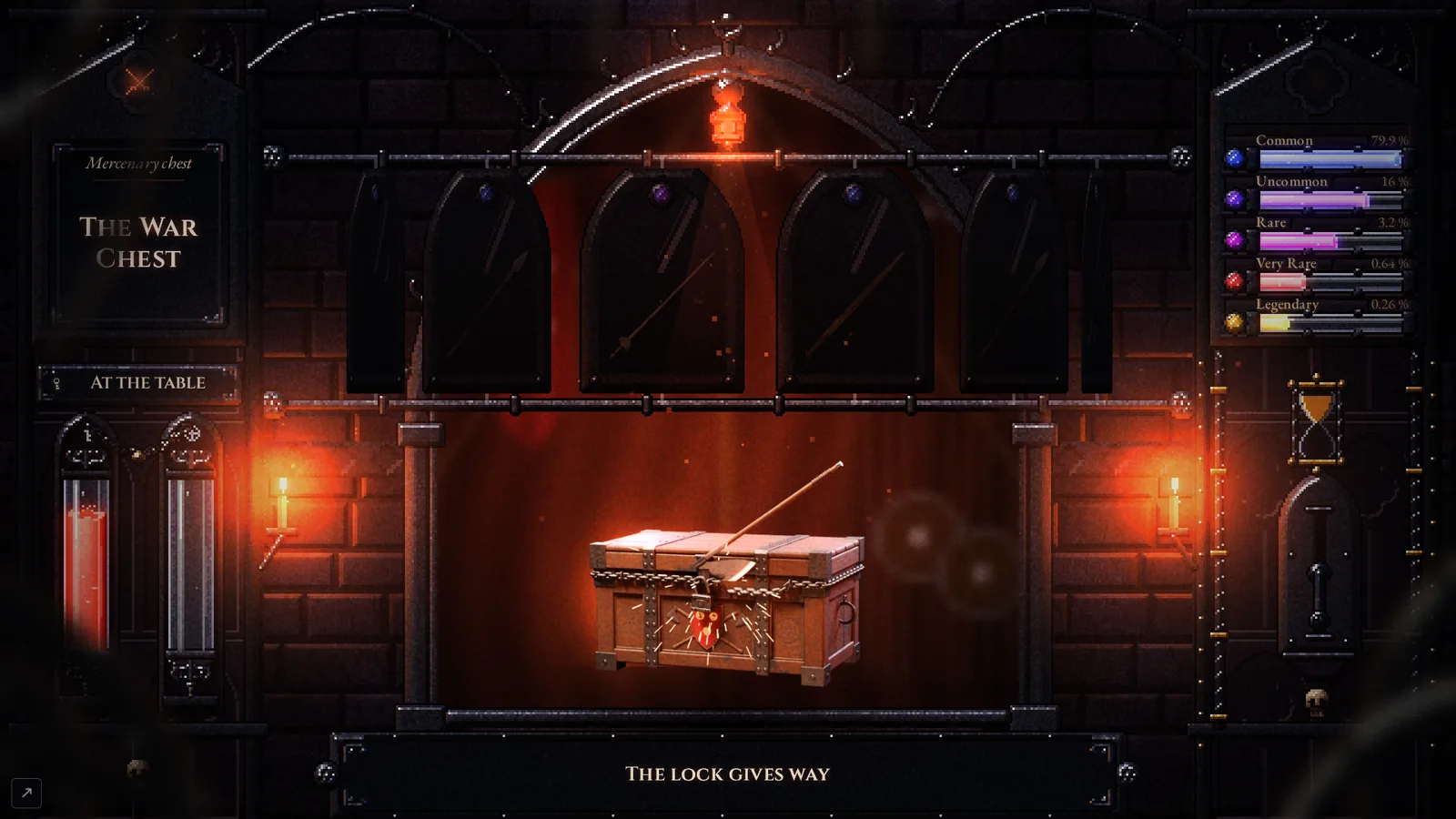
A hero opens a chest and the whole table watches the loot roll past. Whatever stops under the marker goes into that hero’s inventory.
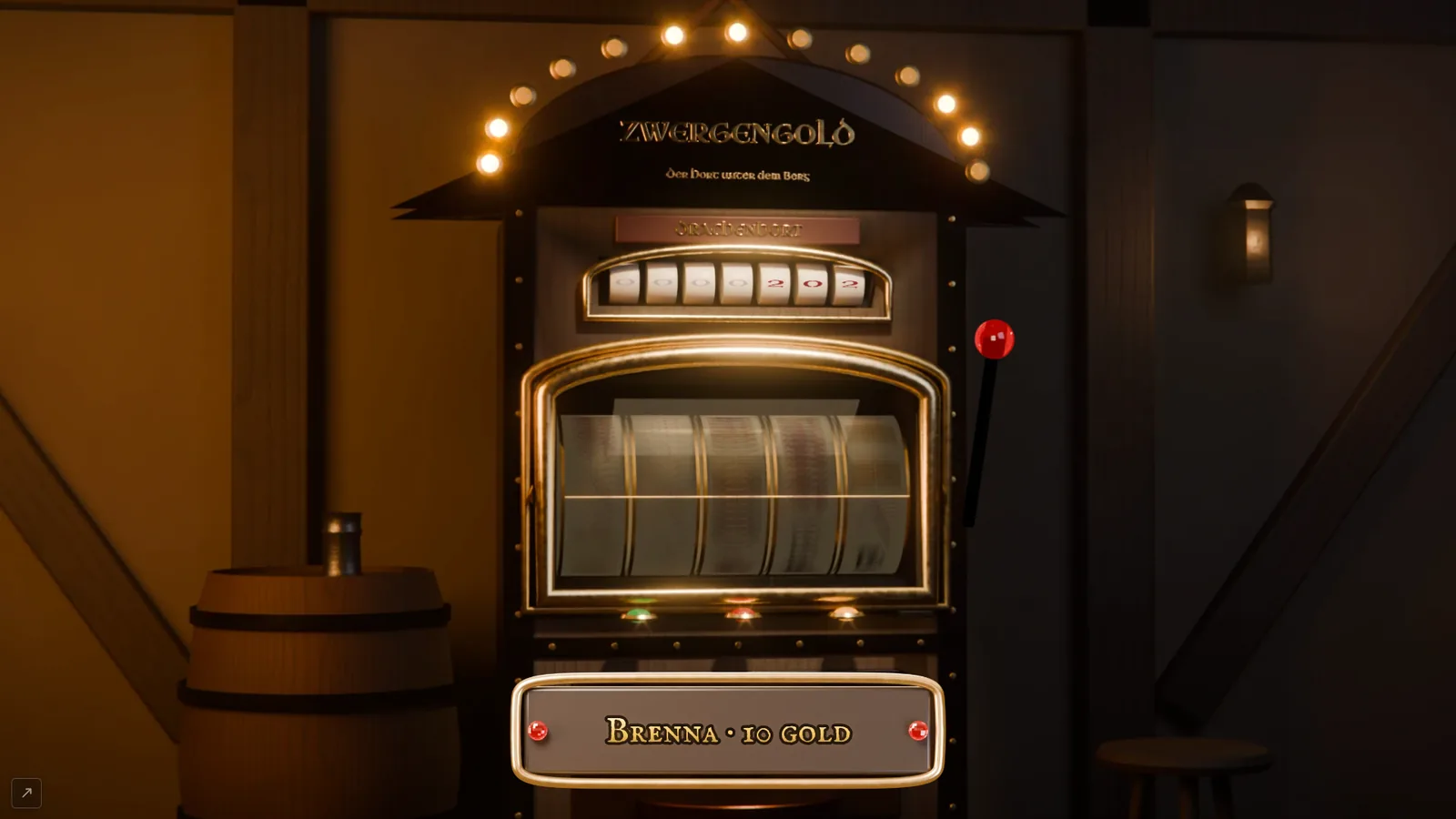
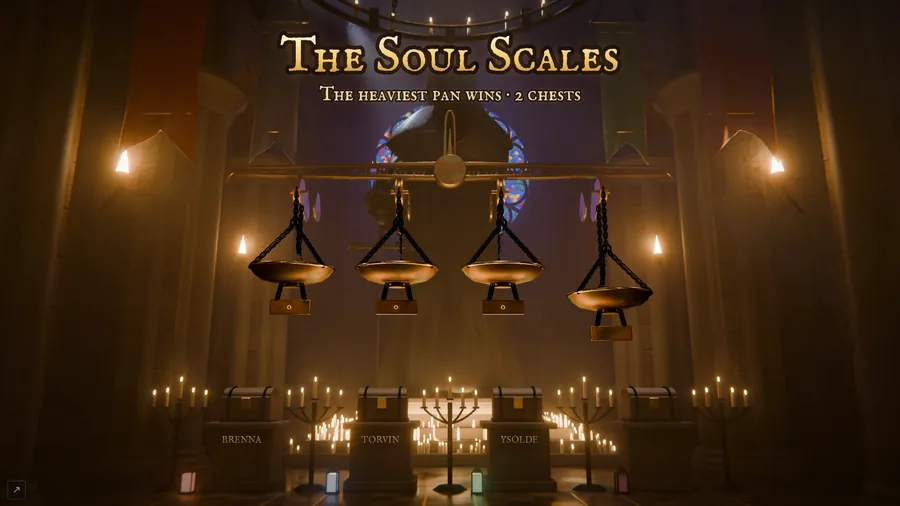
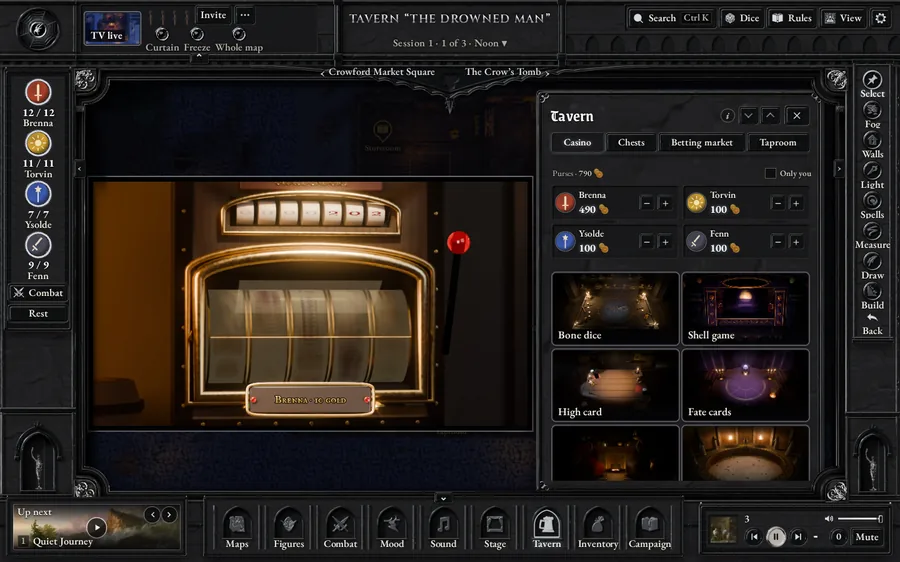
Dwarven Gold, the Soul Scale, the juggler’s cups and more play out large on the TV. The heroes bet their own gold. You let the dice decide or set the result yourself.
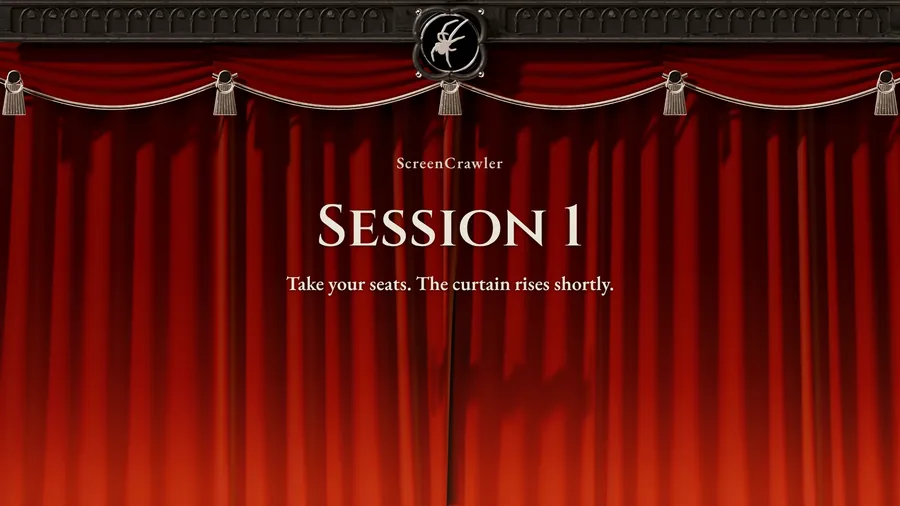
Level up, a lightning strike or a new chapter: one click and it fills the TV. Before the session starts, a curtain hides the map.
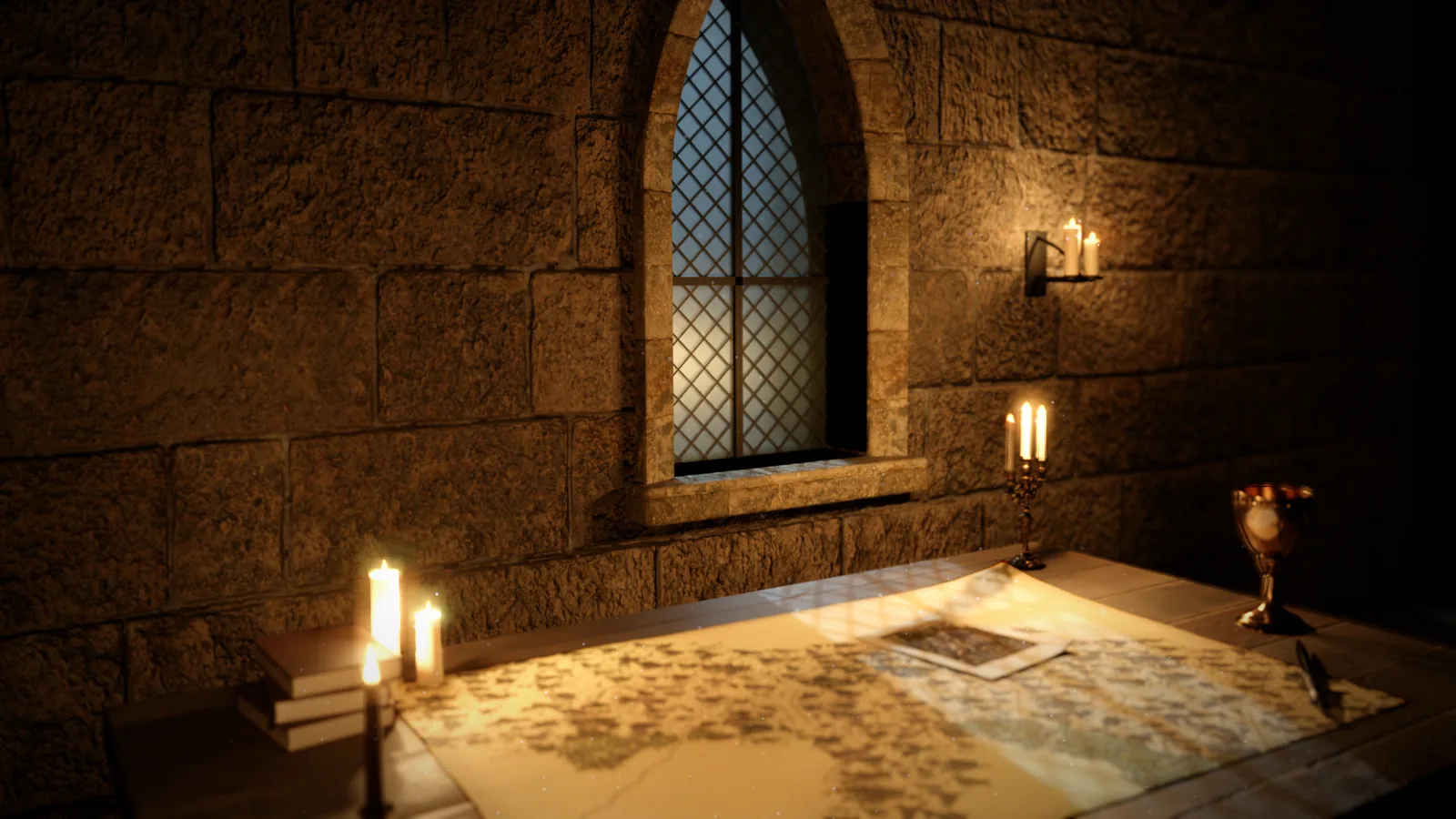
Write a few sentences about where the last session ended and pick a setting: the map room, an old book, a stained-glass window or a shadow play. ScreenCrawler turns it into an opening on the TV.
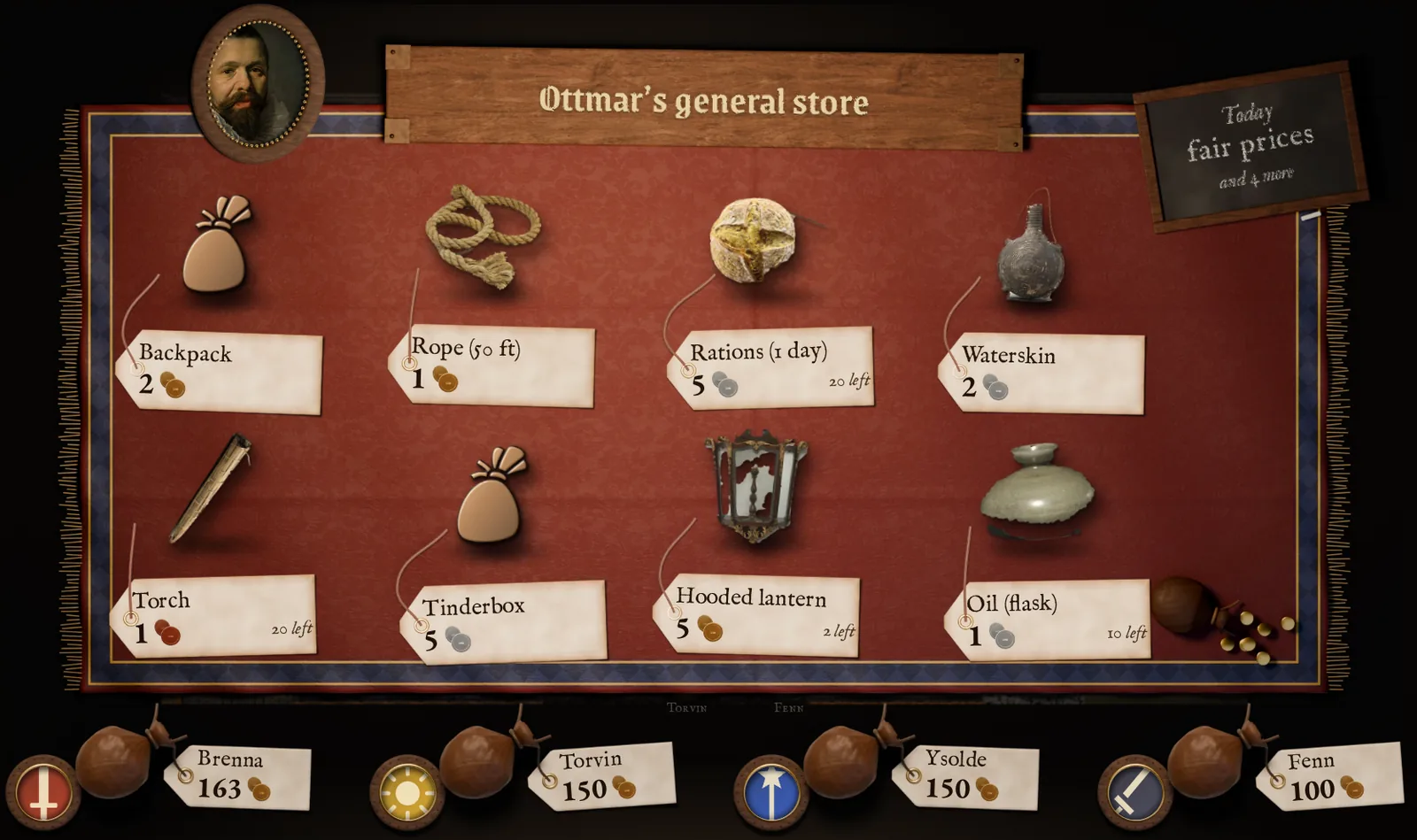
Ottmar the shopkeeper lays out his goods. The players pick something on their phones, you confirm it, and the gold changes hands.
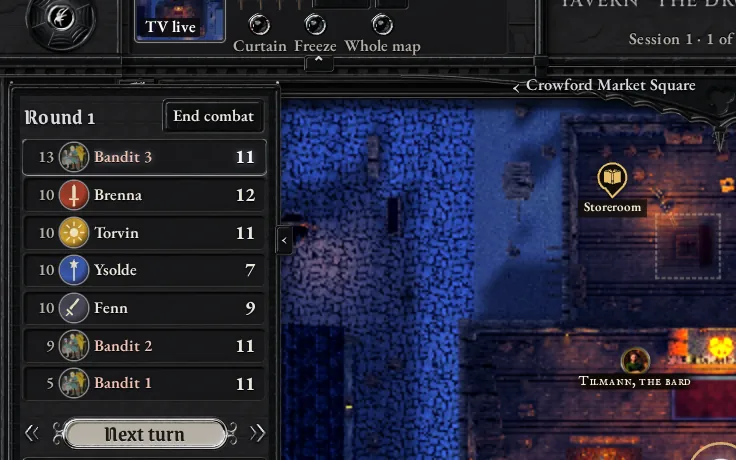 Combat in one listInitiative, hit points and turns. N moves to the next turn.
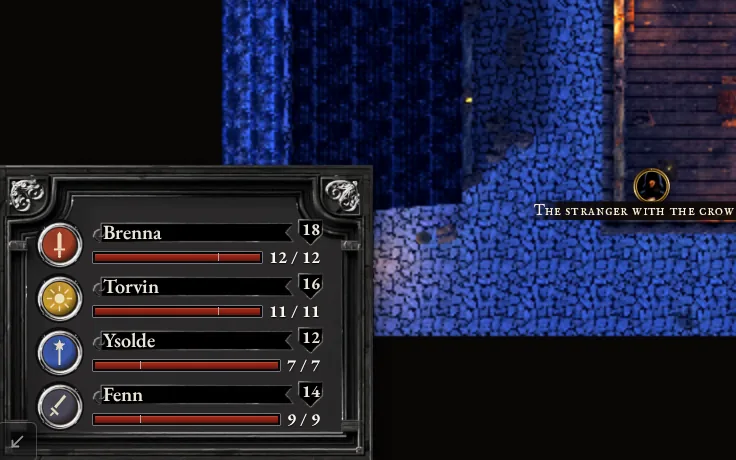 Party panel on the TVEveryone’s hit points at a glance. Fold it away when it is in the way.
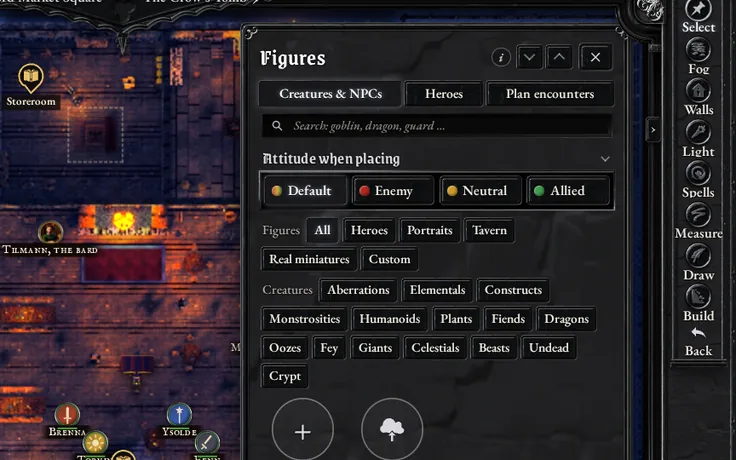 Creatures and NPCsPick from the library and drag them onto the map.
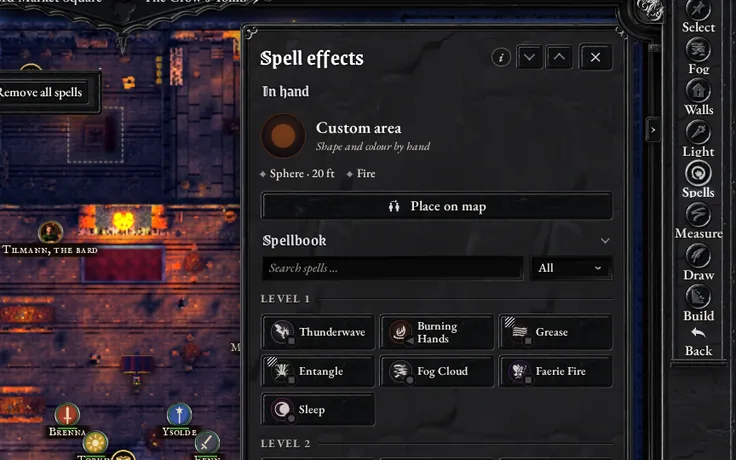 SpellbookSpells sorted by level, with the area to drop on the map.
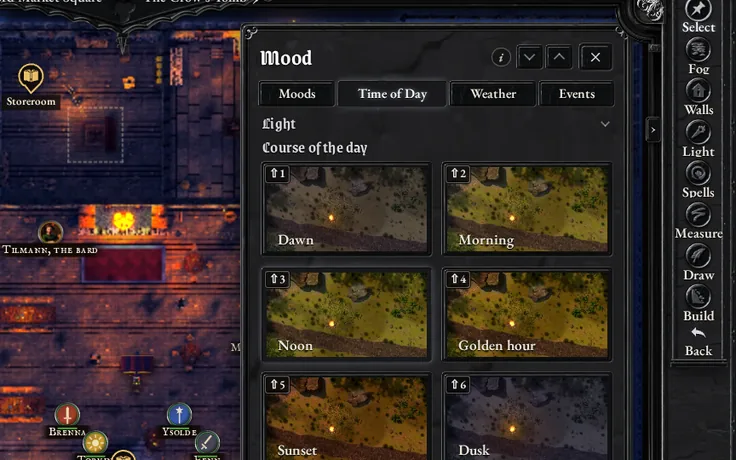 Time of dayEight steps from dawn to midnight, each on Shift and a number key.
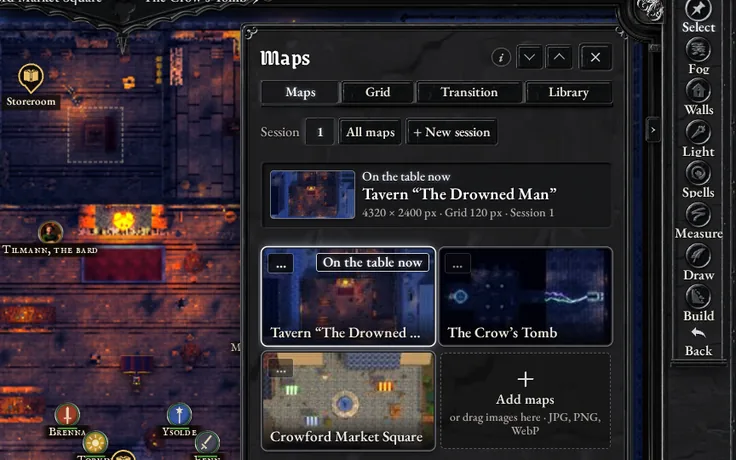 MapsReady-made places, or drag in your own map and line up the grid.
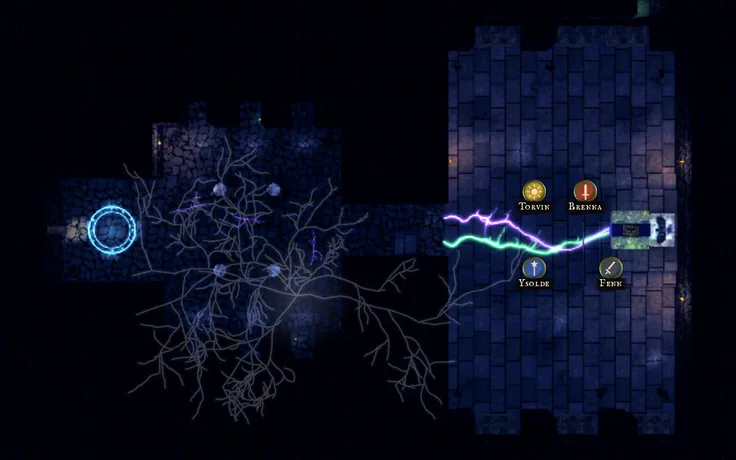 Crowford comes with itA tavern, a crypt under it and a marketplace, ready to play.
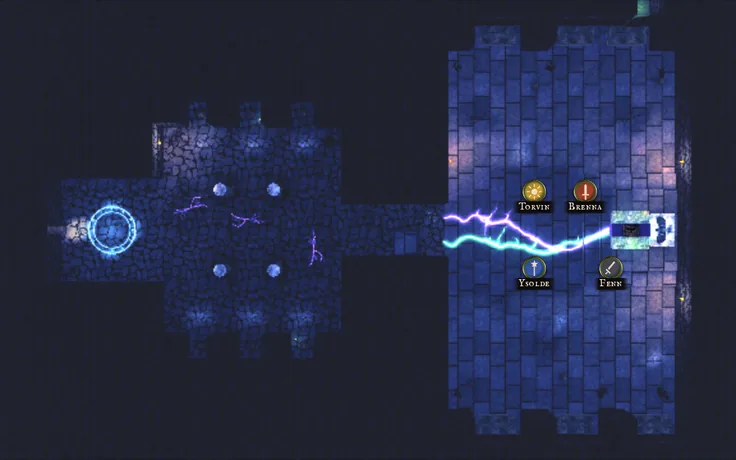 EventsLightning, an earthquake or a scream, at once and on the TV too.
You pay once, there is no subscription. Try the demo first, it runs in your browser.
Crowford is the small adventure that comes with ScreenCrawler: a tavern at night, the crypt beneath it and the market square. Your laptop sits next to the TV and a player’s phone, connected as they are at the table. Click around as much as you like. “Start over” at the top resets everything.
Checking your browser …
The demo needs a laptop or PC. Send yourself the link and open it there.
You don’t need an account, and what you do in the demo stays in your browser.
You pay once and there is no subscription. ScreenCrawler will be sold on itch.io, and you can test the free trial version on your own TV first.
No. Your laptop or PC, the TV and the phones connect over your home Wi-Fi.
Campaigns, maps and heroes stay on your laptop or PC. There is no account.
Yes. Drag your map image into the program and line the grid up with it.
Yes, later. The Windows version comes first.